What you can see
What it is. Your role, which decides what you can see and do in the portal.
Why it matters. Two people can open the same portal and see different tabs and different records. That is not a fault — it is the role doing its job.
The three roles
| Role | What they can do |
|---|---|
| Standard | See and work on their own records. Most people are this. |
| Admin | Everything a Standard user can, plus manage the people at their own company. |
| Super Admin | Everything, for every company. |
Your administrator chooses your role. You cannot change it yourself, and you cannot see what somebody else's is unless you are an administrator.
Finding out your own role
Where: your name (top right) → Settings
- Click your name in the top right corner.
- Click Settings.
- Your role is shown with your other details.
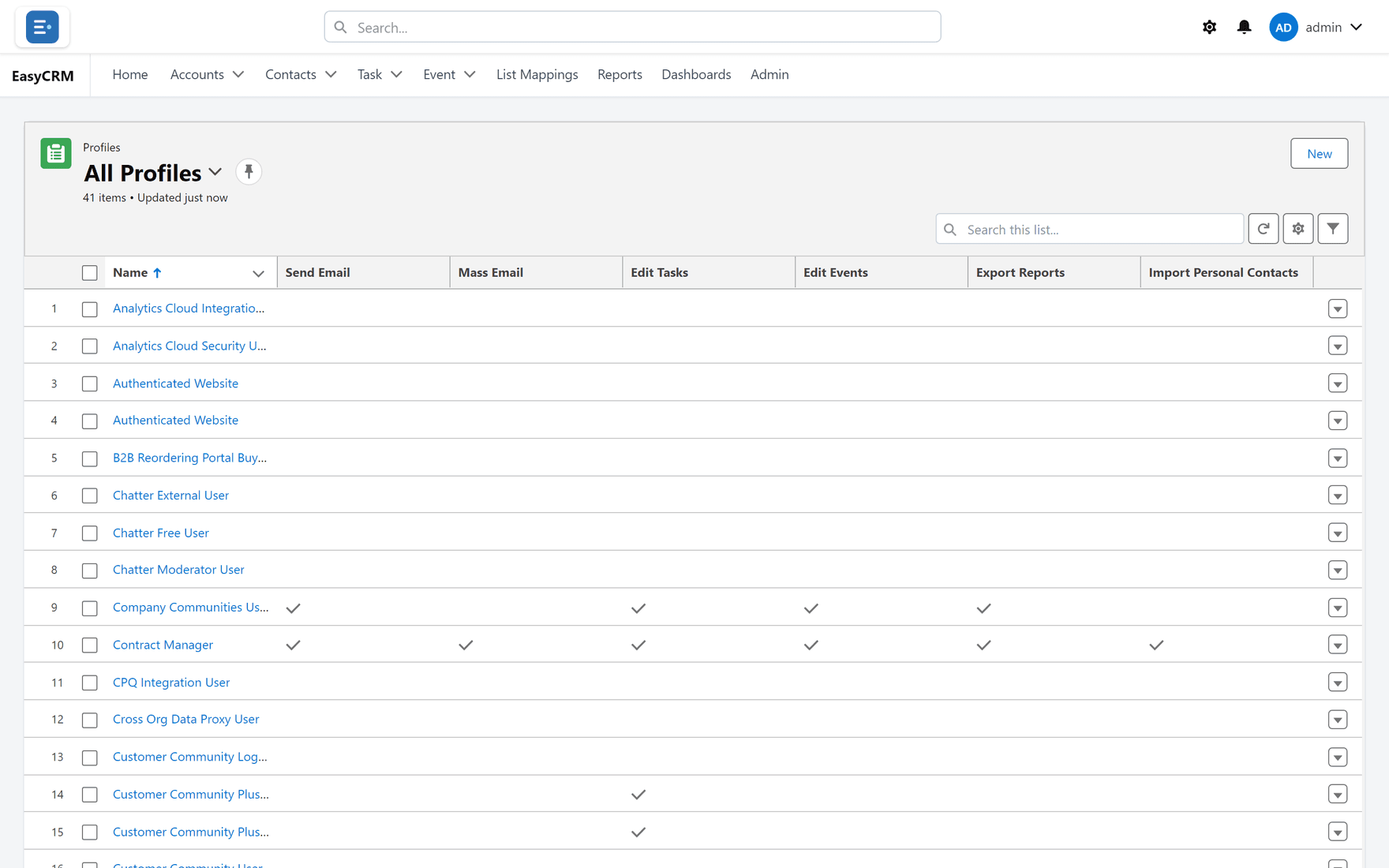
Why a tab might be missing
If a colleague has a tab you do not, one of these is true:
| Reason | Who can fix it |
|---|---|
| Your role does not include it. | Your administrator. |
| Your administrator has hidden it for your company. | Your administrator. |
| You have no permission for that kind of record. | Your administrator. |
The Admin tab, for example, only appears for Admins and Super Admins.
Why a record might be missing
Seeing a tab is not the same as seeing every record in it. Two separate things decide that:
- Permissions — what you may do with records: read, create, edit, delete.
- Sharing — which records you may do it to.
You need both. If you can open Accounts but the list is empty, you have permission but no sharing. Your administrator fixes that under Sharing.
If you think you should see something and do not, ask your administrator — they can check exactly who has access and why, using Checking who can see a record.