Totals
What a total is
A number column added up — once for each group, and once for the whole report.
Grouping decides how rows gather. Totals decide what gets calculated for each gathering.
When to use it
Any time the answer is a quantity rather than a list. Totals are what make a grouped report worth reading — without them you have headings over rows, and the reader does the arithmetic.
When not to: on an identifier that happens to be numeric. The sum of your account numbers means nothing, and printing it invites somebody to believe it does.
Adding a total
Where: Reports → a folder → the report's name → Edit → the column heading → Column actions
-
Open the report in the builder.
-
In the preview, find the number column you want.
-
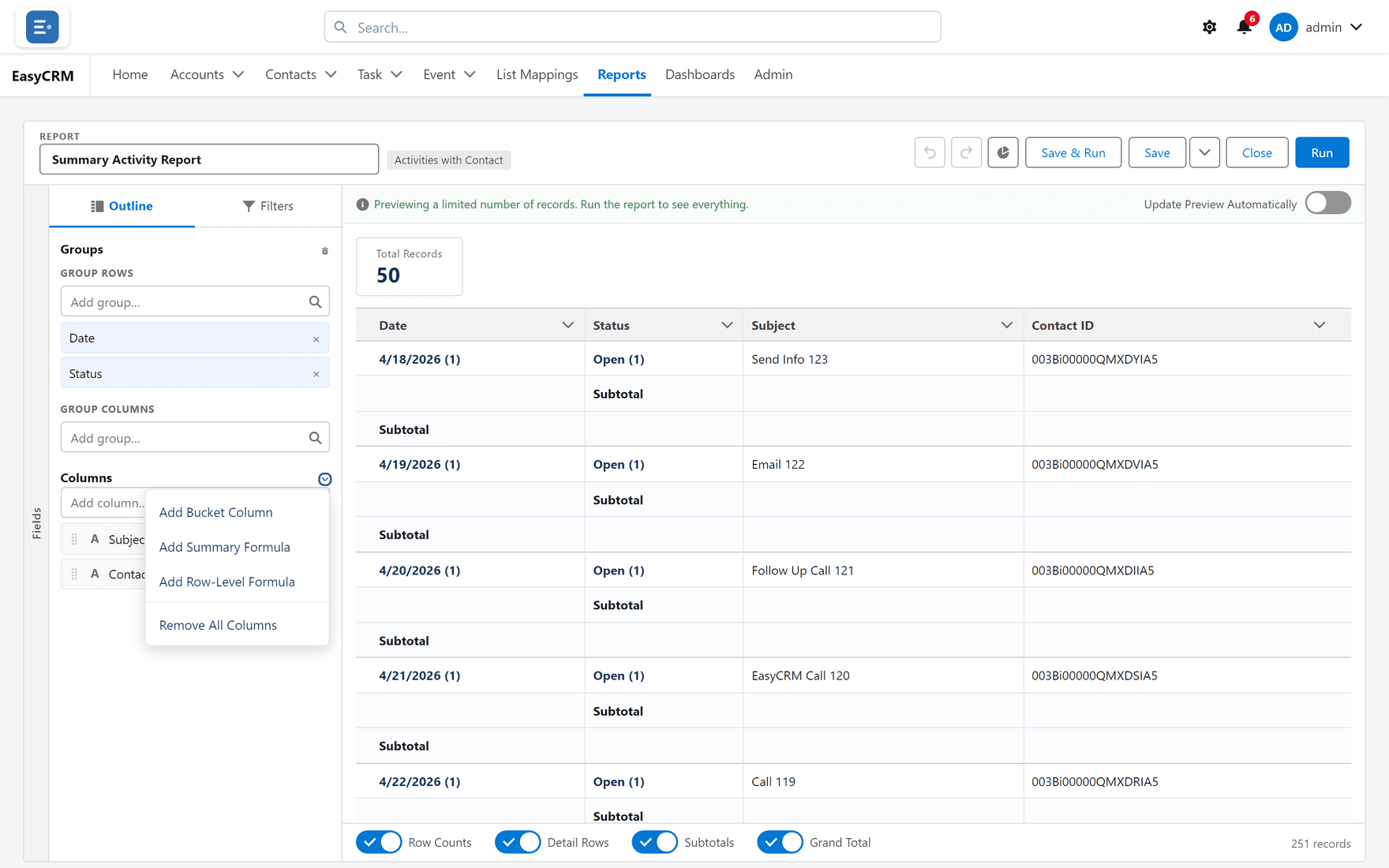
Click Column actions on its heading.
-
Choose how to summarise it.
The total now appears on every group heading and at the bottom of the report.
The four options
| Option | Gives you | Reach for it when |
|---|---|---|
| Sum | Everything added together | The quantity accumulates — value, hours, count |
| Average | The mean | You are comparing groups of different sizes |
| Min | The smallest value | Finding the earliest, cheapest or worst |
| Max | The largest value | Finding the latest, biggest or best |
You can pick more than one. Sum and Average together is common: the total tells you volume, the average tells you whether one large record is carrying it.
Choosing between Sum and Average
This is the choice people get wrong, and it changes the conclusion.
Sum answers "how much altogether". It rewards groups that are simply bigger.
Average answers "how much typically". It lets a small team look as good as a large one.
If you are comparing people or regions of different sizes, a Sum ranking mostly measures headcount. Show both and the picture is honest.
Totals and record counts
Every grouped report shows a record count per group whether or not you total anything. If the question is "how many", you do not need a total at all — the count is already there.
What goes wrong
| Symptom | Cause |
|---|---|
| The option is not offered | It is not a number field. Text that looks numeric cannot be totalled. |
| The total is far too large | A matrix counts each record once per cell it belongs to. Check the grouping. |
| Average looks wrong | It averages the records, not the subtotals. An average of averages is not the same number. |
| The grand total is not the sum of groups | Some records fall outside every group, or a filter changed after the groups were set. |
Where this fits
A total is the input a chart plots, and the figure a summary formula calculates from. A dashboard Metric tile is usually a report with one total on it — see Dashboard tiles.