Folders
What it is. Folders hold reports and dashboards, and decide who can see them.
What it does. A report lives in exactly one folder. Who can open the folder decides who can open the report.
Why it helps. It is how one company's reports stay out of another's sight, without anybody setting access report by report.
The folders you always have
Where: Reports → the folder list on the left
| Folder | Who sees what is in it |
|---|---|
| Recent | Not a real folder — just what you opened lately. |
| Favorites | Reports you starred. |
| Private Reports | Only you. |
| Any folder you create | Whoever it is shared with. |
Making a folder
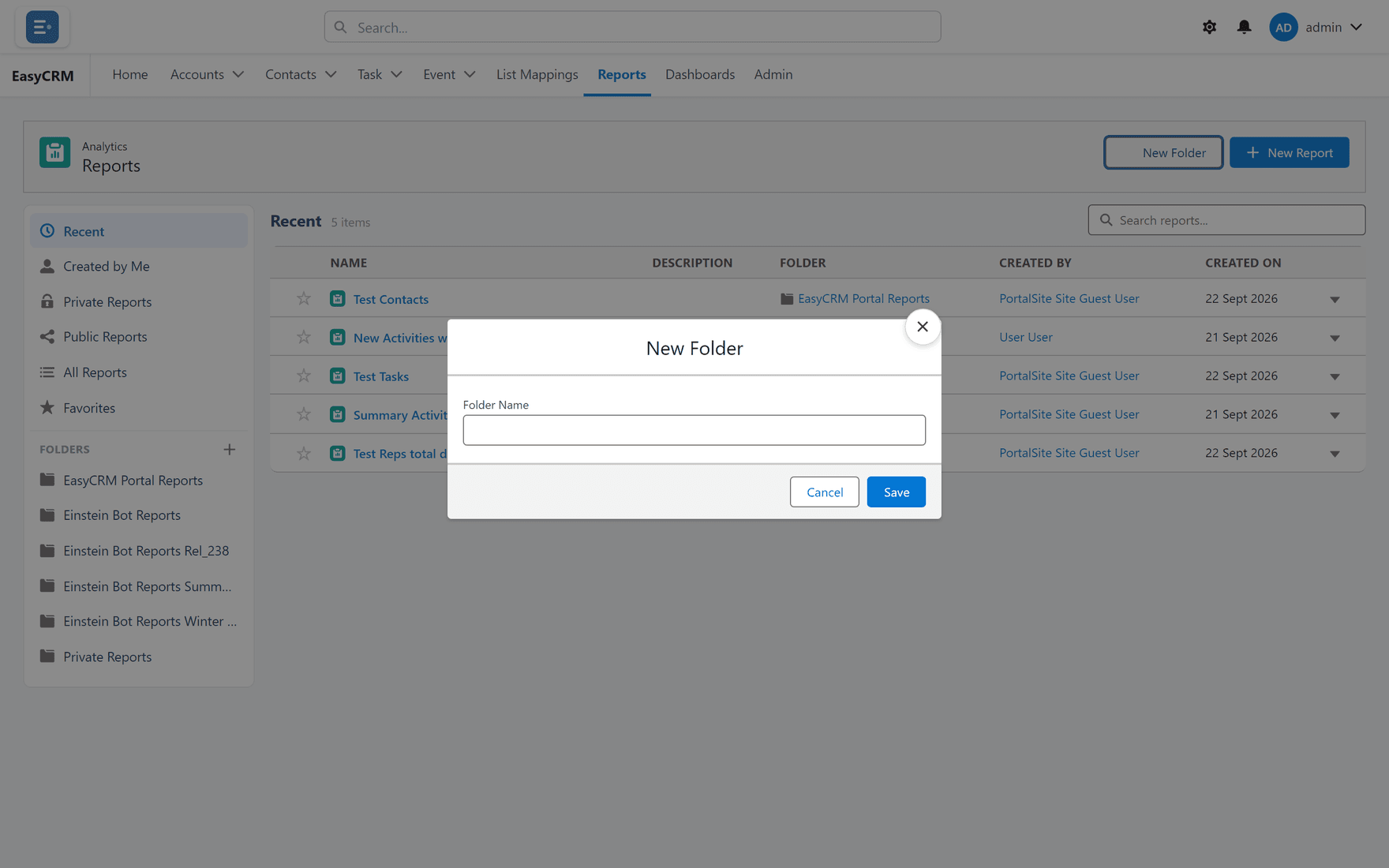
Where: Reports → New Folder
-
Click Reports in the top menu.
-
Click New Folder.
-
Type a name.
-
Click Save.
A new folder starts out visible only to you.
Letting other people see it
A Super Admin shares folders with companies, under Reports and Dashboards in the Admin Console.
A folder shared with nobody is visible only to Super Admins — which is why a brand-new folder looks empty to everybody else.
Moving a report into a folder
Where: Reports → the report's name → Edit Properties
-
Click Reports, then open the report.
-
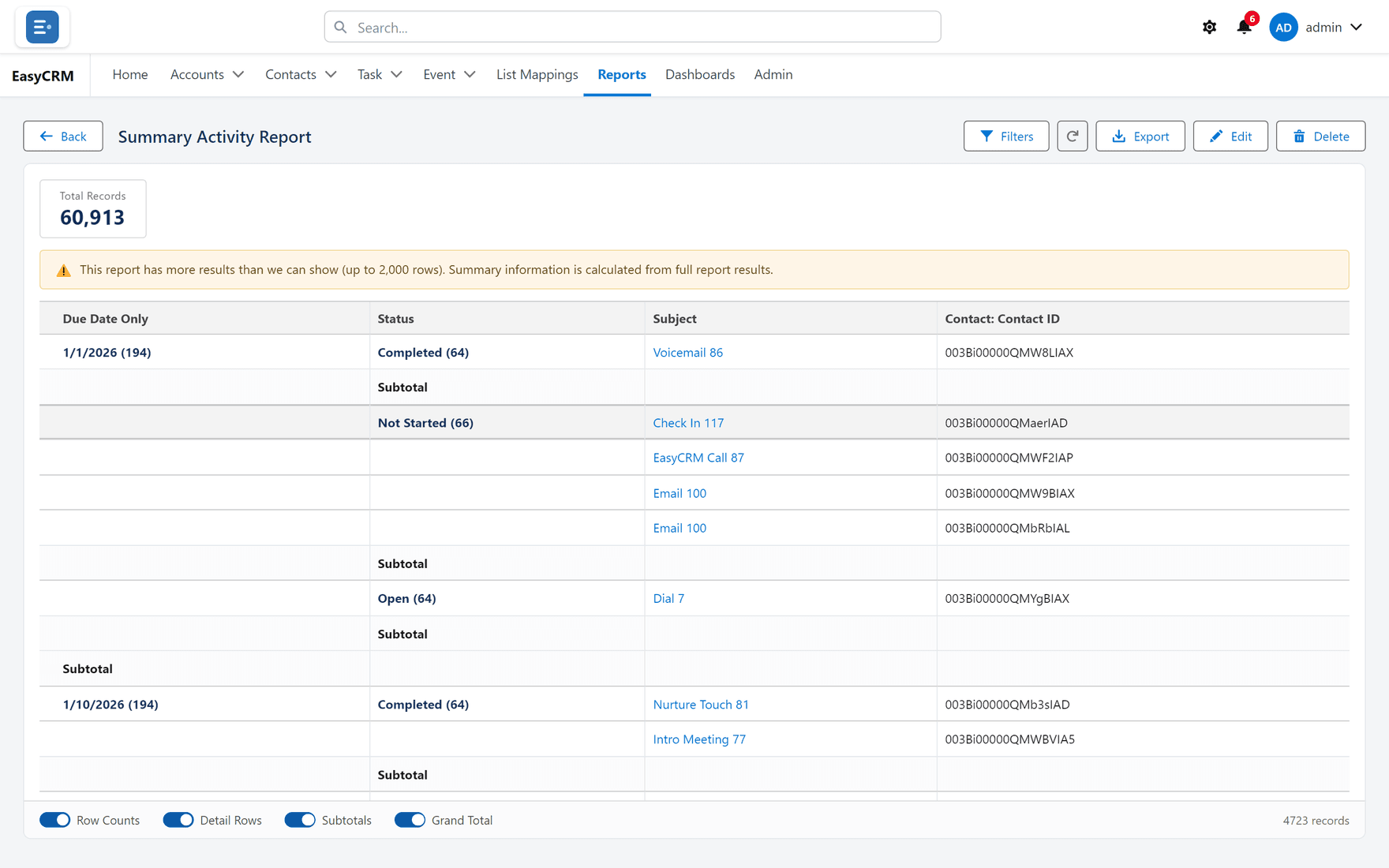
Click Edit Properties.
-
Change the Folder.
-
Click Save.
Moving a report changes who can see it, because access follows the folder. Moving something into Private Reports hides it from everybody else immediately.
Naming folders
Name them for the audience or the subject — "Sales — Monthly", "Support". Avoid names like "New folder 2", which tell nobody anything when there are twenty of them.