Columns
What a column is
One field, shown for every record the report includes. Columns are what the report shows; filters decide what it includes.
When you change them
Whenever the report is not answering the question. A report with the wrong columns is usually not a broken report — it is one nobody has finished.
When not to: if you are about to add fifteen columns, you probably want grouping and totals instead. A wide report people scroll sideways through is harder to read than a short grouped one.
Adding a column
Where: Reports → a folder → the report's name → Edit → Outline → Add column…
-
Click Reports in the top menu.
-
Click the folder, then the report's name. It runs.
-
Click Edit at the top. The builder opens.
-
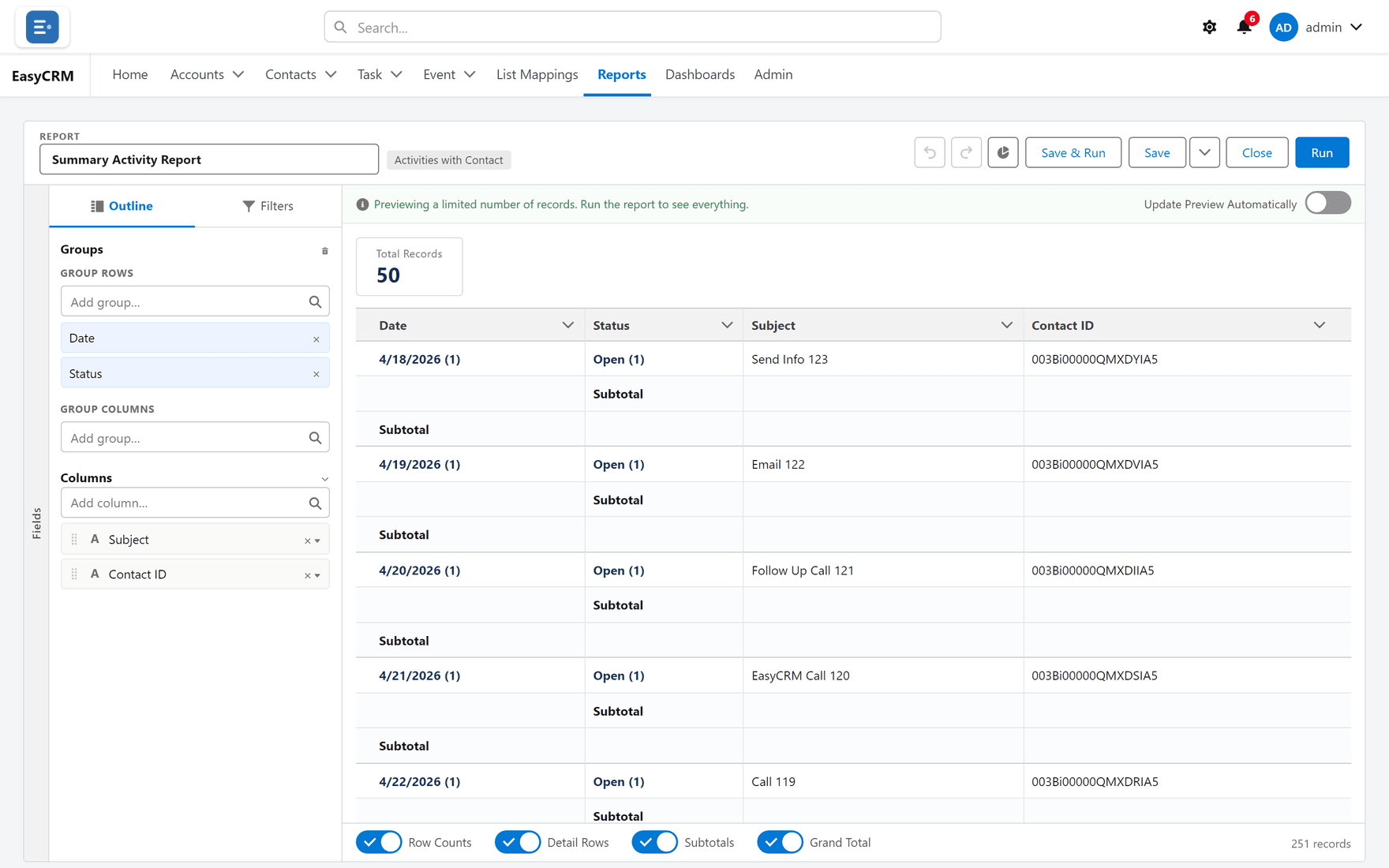
Click the Outline tab at the top left if you are not already on it.
-
Click the Add column… box.
-
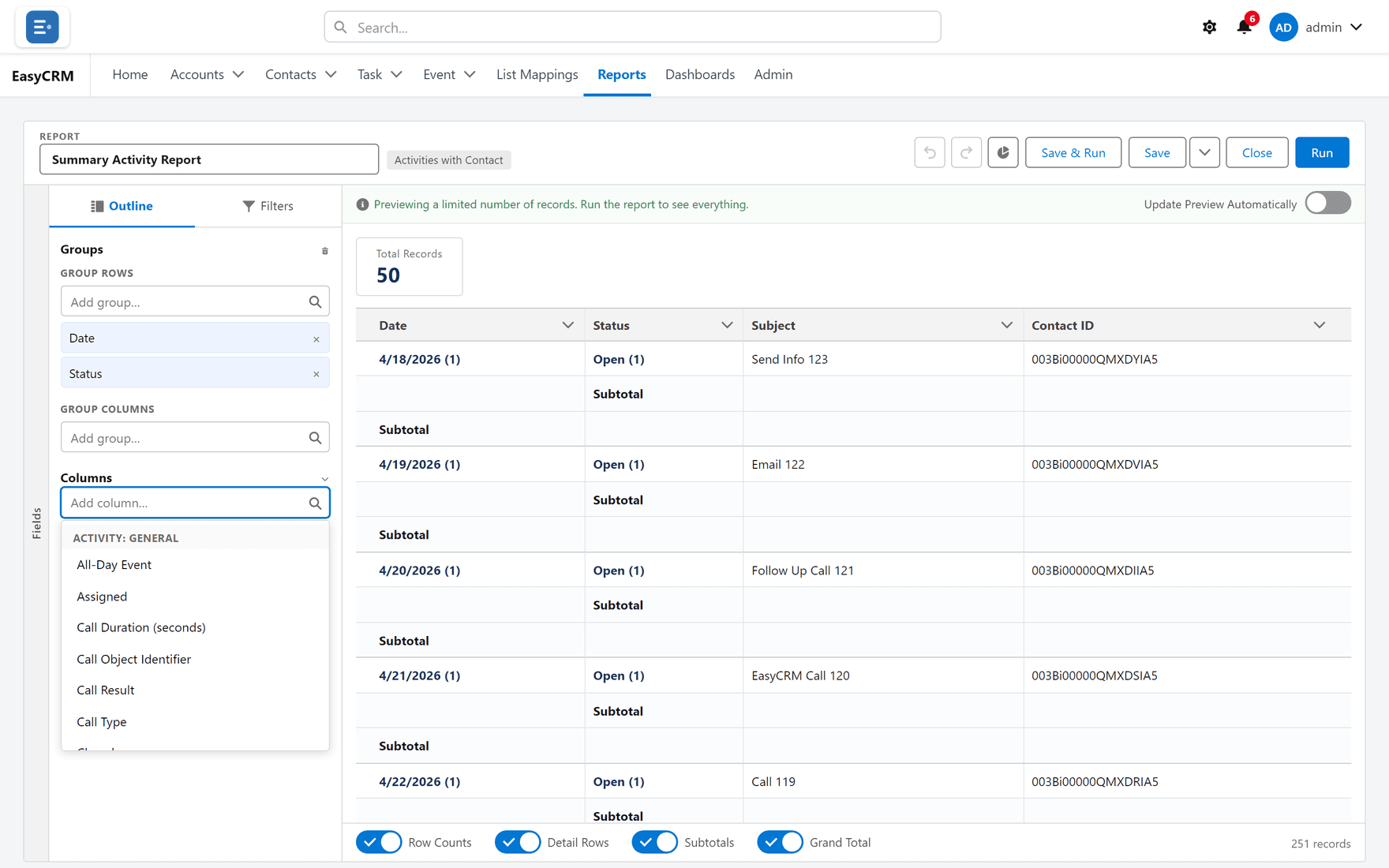
A list of available fields appears. Type to narrow it.
-
Click the field you want.
It appears in the preview immediately. Nothing is saved until you click Save.
Which fields are offered
Only fields from the report's type. An Accounts report offers account fields; an Accounts with Contacts report offers both.
If a field you expect is missing, the usual reasons are:
| Reason | What to do |
|---|---|
| Wrong report type | The type is fixed. See Report types. |
| You have no permission for that field | Ask your administrator. |
| It is on a related record the type does not reach | A different type may pair them. |
Reordering
Drag a column in the Outline list. The order top-to-bottom there is the order left-to-right in the report.
Put the record's name first. A report whose first column is a date is hard to scan, because there is nothing to anchor each row to.
Removing
-
In the preview, find the column heading.
-
Click Column actions on it.
-
Click Remove column.
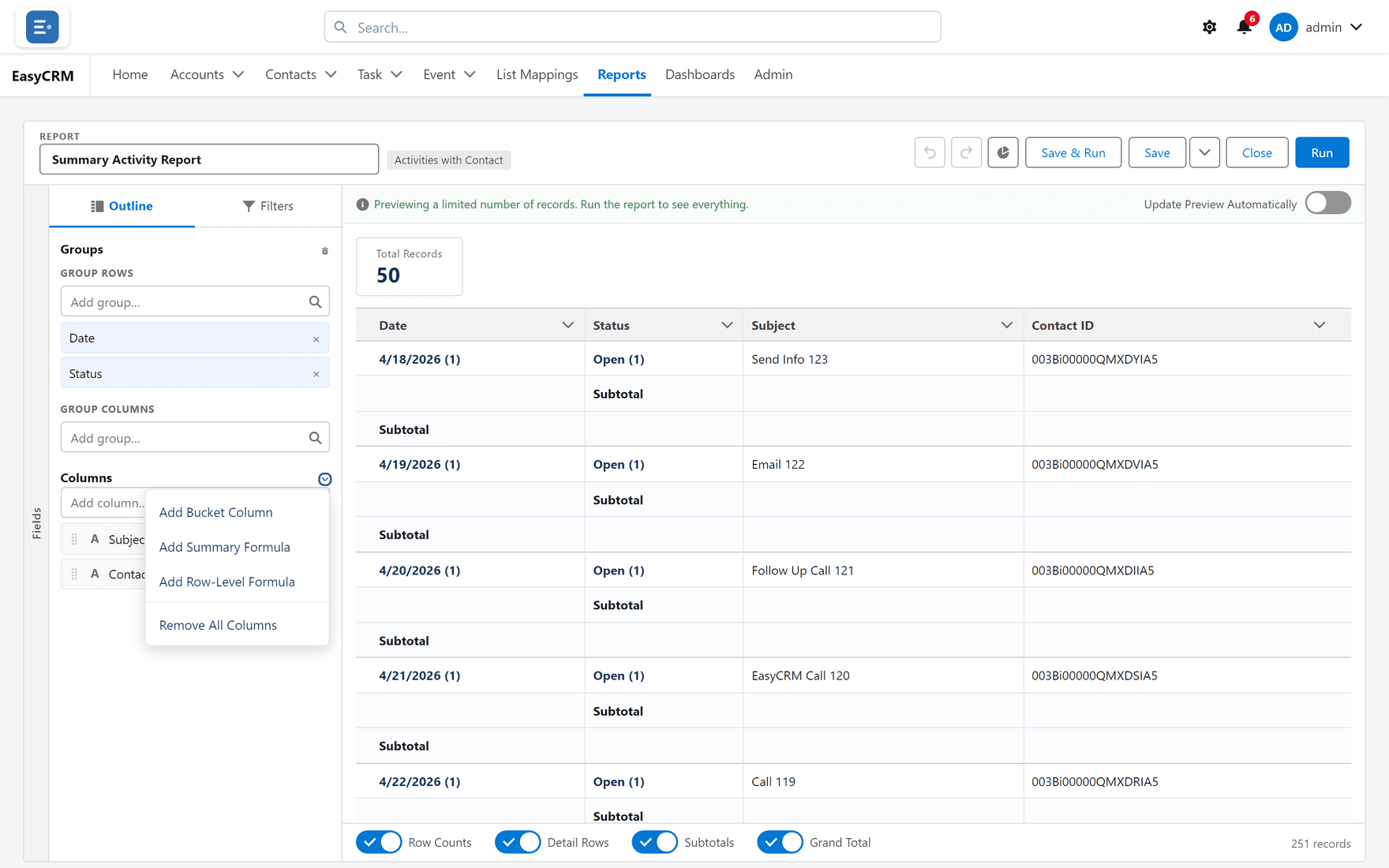
Remove all columns clears them in one go. Useful when you have inherited a report and want to start the layout again without losing the filters.
Removing a column never deletes data. It changes what this one report displays, nothing else.
What goes wrong
| Symptom | Cause |
|---|---|
| The column shows but is always empty | The field is genuinely empty on those records. |
| Numbers will not total | It is a text field that looks numeric. Totals need a number field. |
| The report is very wide | Too many columns. Group instead — see Grouping. |
Where this fits
Columns are one of four things the Outline tab holds: columns, row groups, column groups, and the formula and bucket columns you invent. The builder covers the screen as a whole.