Sorting
What it does
Puts the rows of a list in order by one column. It changes nothing about the records — only the order you see them in.
Sorting a list
Where: a tab → click a column heading
- Open a tab and its list.
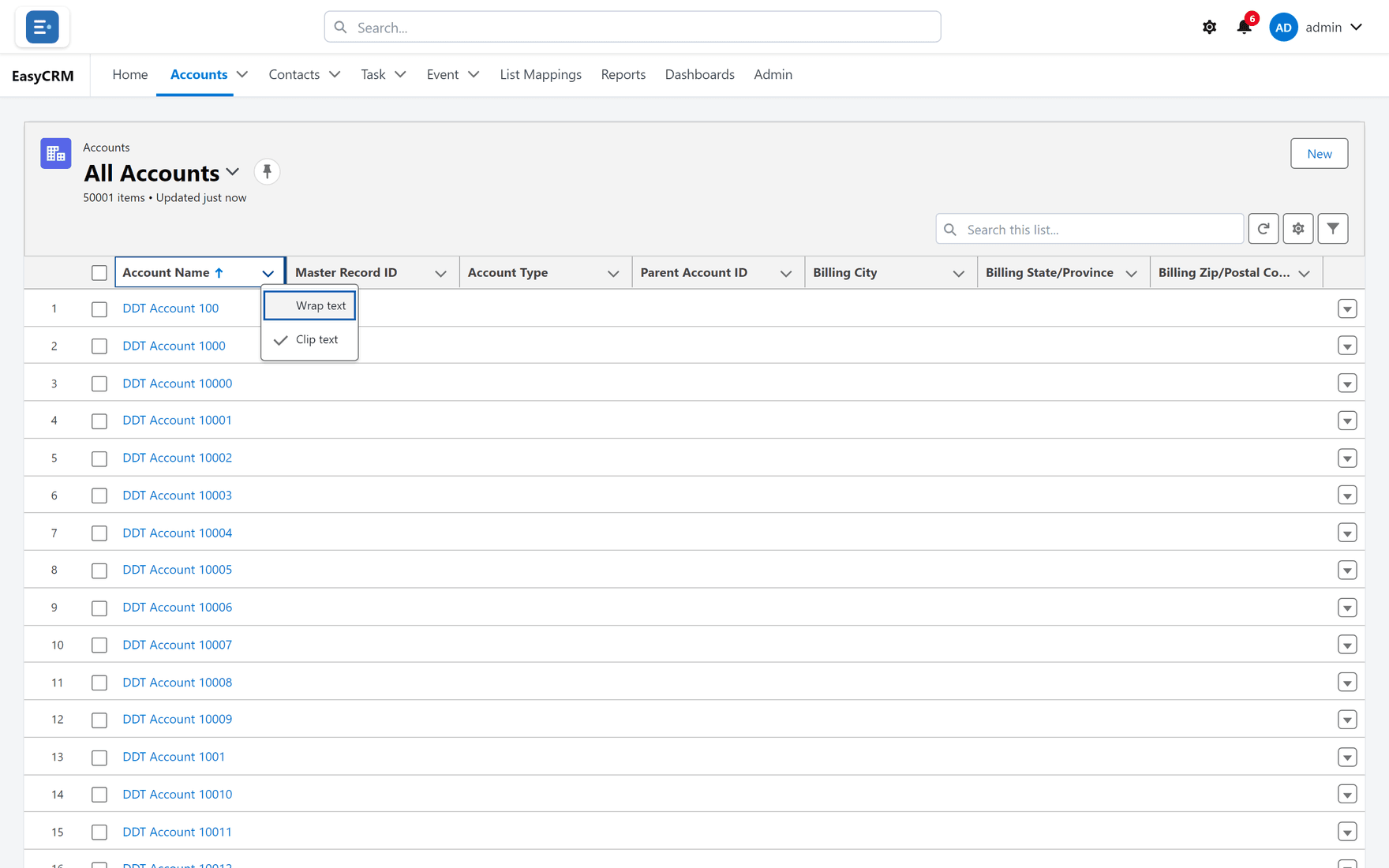
- Click a column heading — Account Name, for example.
- The list sorts by that column. A small arrow shows the direction.
- Click the same heading again to reverse it.
Each heading also carries a small arrow on its right which opens a menu with the same options.
How different fields sort
| Field type | Order |
|---|---|
| Text | A to Z, then reversed |
| Number | Smallest to largest |
| Date | Oldest to newest |
| Picklist | The order the options were defined in — not alphabetical |
That last one surprises people. A Stage picklist sorts Prospect, Qualified, Closed because that is the order it was built in, which is usually more useful than alphabetical.
Empty values
Records with nothing in the sorted column group together at one end. If a sort looks like it has "lost" records, scroll to the other end of the list — they are usually sitting in a block of blanks.
Sorting is per view
Your sort is remembered with the list view you are on. Switch view and you get that view's sort instead.
It is also yours alone. Sorting a shared view does not re-sort it for anybody else.
When sorting is not the right tool
Sorting puts the interesting rows at the top. It does not remove the rest.
| You want | Use |
|---|---|
| The ten biggest at the top | Sorting |
| Only records over a threshold | Filtering |
| A count or total per group | A report |
Scrolling a sorted list of forty thousand records to find a subset is a filter waiting to be written.
What goes wrong
| Symptom | Cause |
|---|---|
| Numbers sort as 1, 10, 2 | The field is text, not a number. Ask your administrator. |
| A picklist is not alphabetical | Correct — it sorts in defined order. |
| The sort resets | You switched view, or reloaded a view with a saved sort. |
| Clicking the heading does nothing | Some columns cannot be sorted; long text is the usual case. |
Where this fits
Sorting, columns and filtering are the three things you change about a list, and all three are saved with the view.