Related records
What it is. The sections at the bottom of a record, showing other records linked to it.
What it does. An account shows its contacts. A contact shows its tasks. You move between connected records without searching for them.
Why it helps. It answers "who else works at this company?" without you going to Contacts and filtering.
Finding them
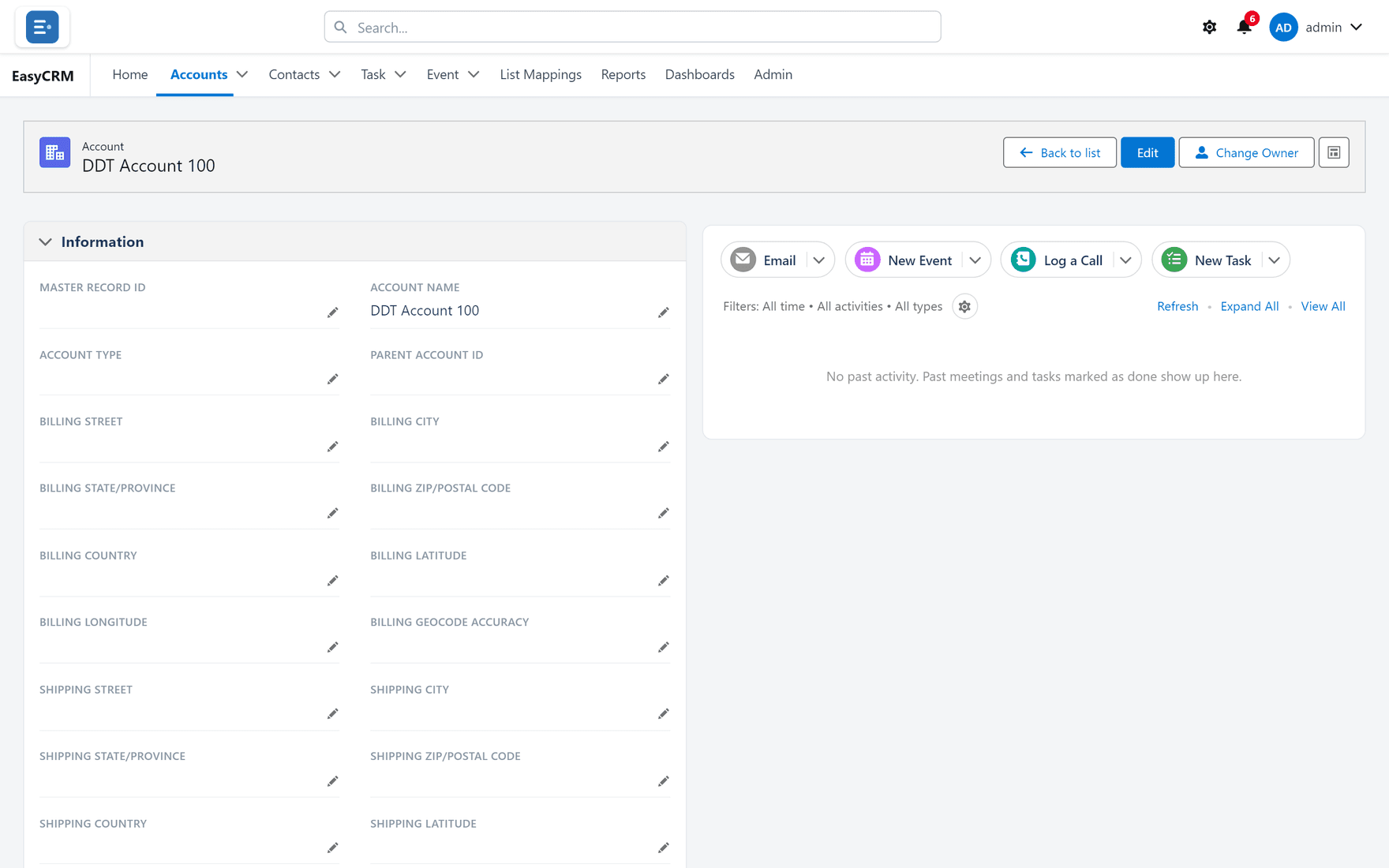
Where: Accounts → the record's name → scroll to the bottom
- Click Accounts (or any tab) in the top menu.
- Click the record's name to open it.
- Scroll to the bottom of the page.
Each related list is a small table with its own heading.
Using them
- Click any name in a related list to open that record.
- If a list is long, it shows the first few with a link to see the rest.
- An empty list says so. That means nothing is linked yet — not that something is broken.
If a related list is missing
Two possible reasons:
| Reason | Who fixes it |
|---|---|
| It is not on the page layout. | An administrator, under Page layouts. |
| You have no permission for that kind of record. | An administrator, under Permissions. |
An administrator chooses which related lists appear and which columns each shows.