The dashboard builder
What it is. The screen where you arrange a dashboard.
What it does. You add tiles, point each one at a report, and lay them out on a grid.
Why it helps. One screen answers the questions people ask every morning, instead of five reports opened one at a time.
Opening the builder
Where: Dashboards → a folder → the dashboard's name → Edit
For a new one: Dashboards → New Dashboard.
- Click Dashboards in the top menu.
- Click the folder, then the dashboard's name. It opens and the tiles load.
- Click Edit at the top.
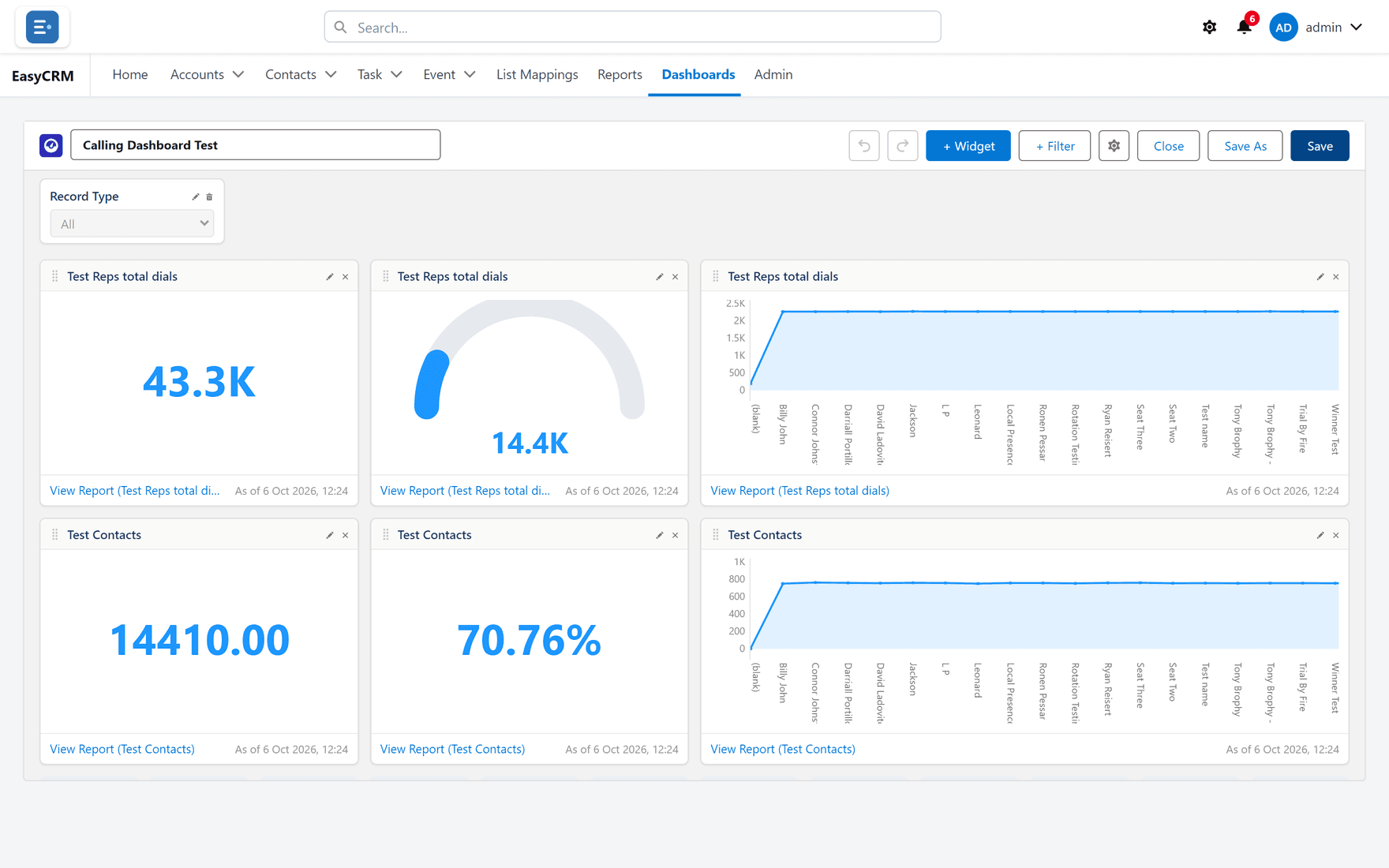
If Edit is missing you have read-only access. Use Save As to take your own copy.
Adding a tile
Where: the dashboard builder → + Widget
-
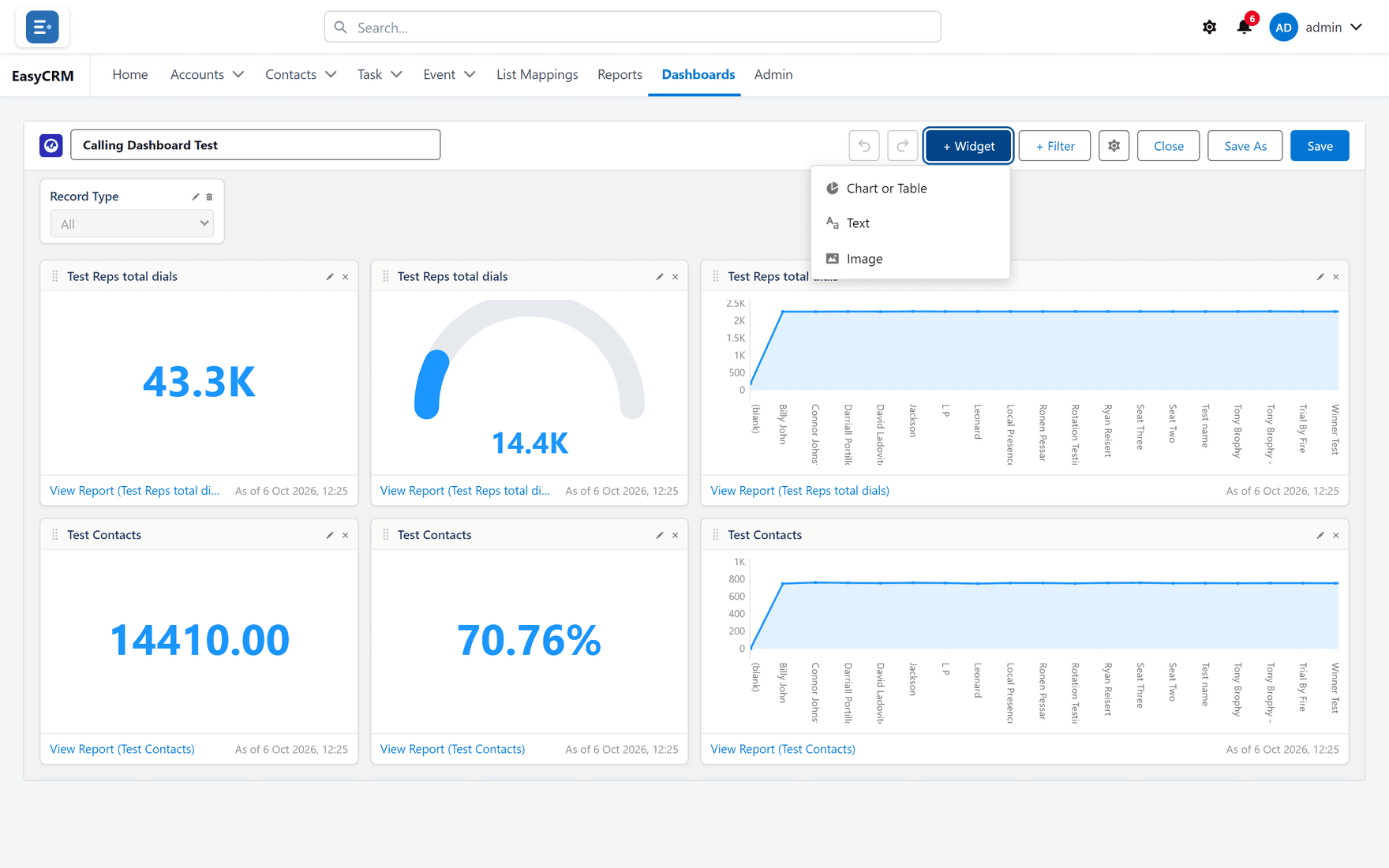
Click + Widget at the top.
-
Choose the report the tile reads from.
-
Choose how it should look — see the table below.
-
Set the title and any units or decimal places.
-
Click Save.
Every tile reads from a report. If a number on a tile looks wrong, open its report — that is where the figure comes from, and the tile is only drawing it.
The kinds of tile
| Tile | Shows | Good for |
|---|---|---|
| Metric | One big number | A single figure people watch daily. |
| Bar / Column | Groups side by side | Comparing. |
| Line | A value over time | Trends. |
| Pie / Donut | Parts of a whole | A handful of categories. |
| Gauge | Progress to a target | Targets. |
| Table | Rows straight from the report | Detail people need to read. |
Moving and resizing tiles
- To move: drag the tile.
- To resize: drag its corner.
Tiles snap to the grid. How fine that grid is comes from Properties — see Dashboard settings.
Changing or removing a tile
Use Edit or Remove on the tile itself.
Removing a tile does not touch its report. The report stays exactly where it was.
Undo and redo
Undo and Redo at the top step through your changes. Nothing is saved until you click Save, so you can rearrange freely.
Saving
| Button | What it does |
|---|---|
| Save | Keeps your changes to this dashboard. |
| Save As | Makes a copy under a new name, leaving the original alone. |
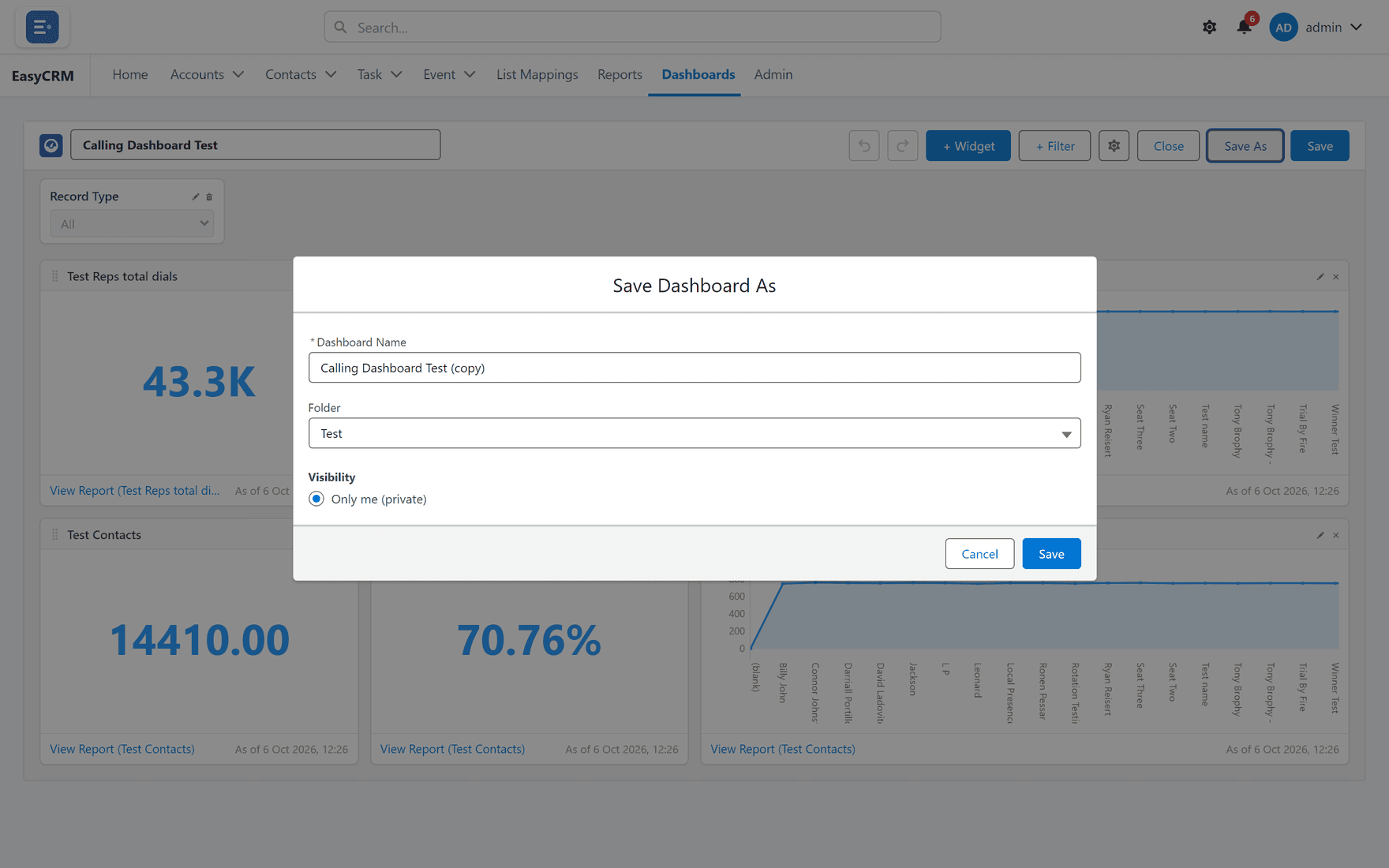
Save As is the safe way to change somebody else's dashboard.