Your profile
What it is. Your own details, and the settings that affect only you.
Why it matters. Nothing you change here affects anybody else.
Opening it
Where: your name (top right) → Settings
- Click your name in the top right corner of the screen.
- Click Settings.
What you can see
| Detail | Can you change it? |
|---|---|
| Your name | Usually yes. |
| Your username | No — your administrator sets it. |
| Your email address | Usually yes. Password resets go here, so keep it current. |
| Your role | No. See What you can see. |
| Your company | No. |
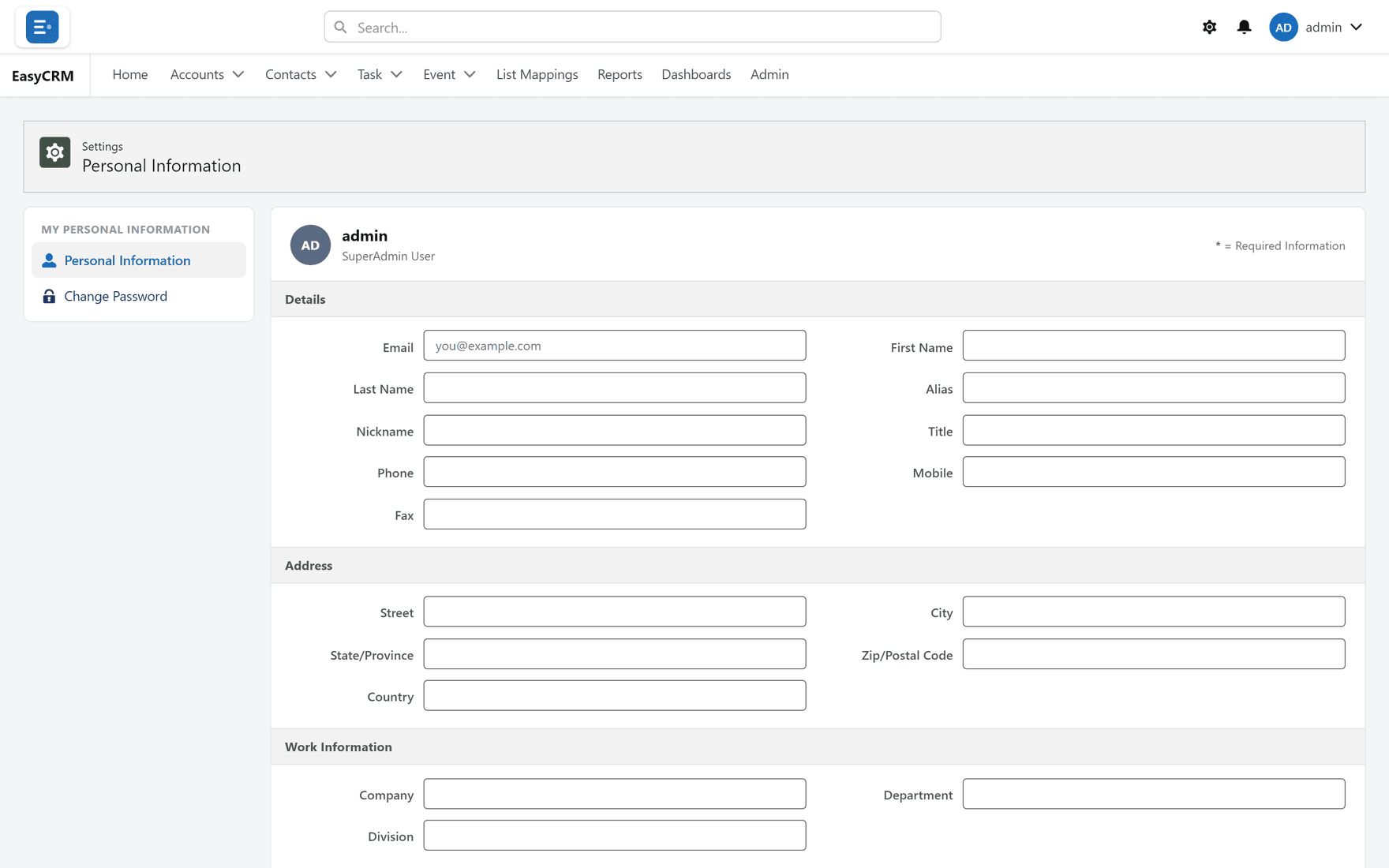
Changing a detail
- Click into the field.
- Change it.
- Click Save.
Your password
How the portal looks to you
That is not here — it is the gear in the top bar. See Getting around.
The whole page looks like this: