Roles
What it is. A tree showing who reports to whom.
What it does. It records the management line, and lets access flow up it.
Why it helps. With Grant via Hierarchy on, a manager automatically sees what their people see. You never have to build a rule for each manager, or remember to update one when the team changes.
Opening it
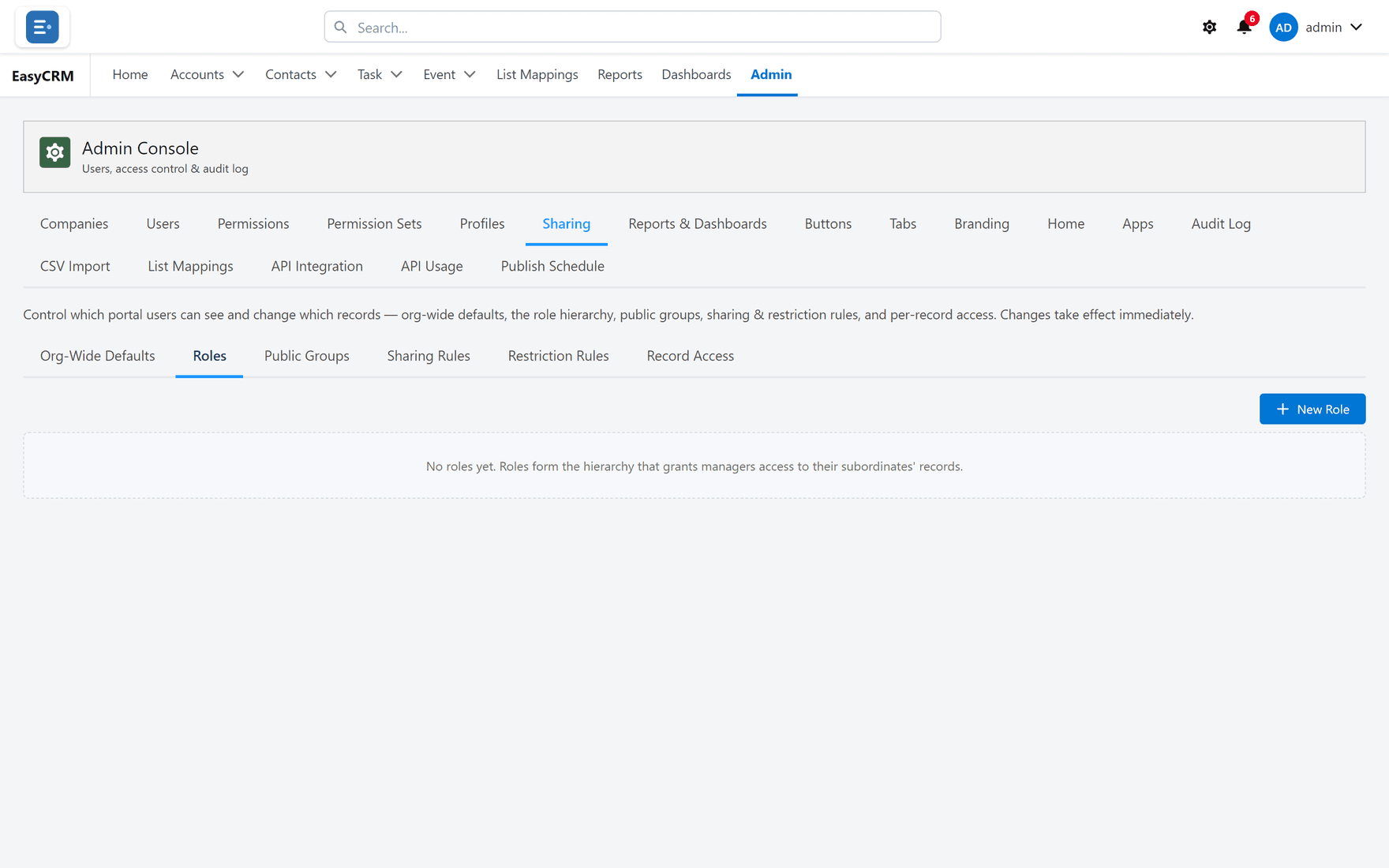
Where: Admin → Sharing → Roles
- Click Admin in the top menu.
- Click Sharing, then Roles.
Creating a role
- Click New.
- Name the role after the job, such as "Sales Manager".
- Choose which role it Reports To. Leave it empty for the top of the tree.
- Click Save.
Build from the top down, so the role you need to report to already exists.
Putting people in roles
Where: Admin → Users → the person's row → Set portal role
- Click Admin, then Users.
- Find the person.
- Click Set portal role in their row and choose the role.
How access flows
Access flows upwards only. A manager sees what their people see. The people do not see what their manager sees.
This only happens if Grant via Hierarchy is on for that kind of record — see Who sees what, by default.
Roles are not permissions
This catches people out, so it is worth being plain about:
| Thing | Decides |
|---|---|
| Role | Whose records you can see. |
| Profile / permissions | What you may do with them. |
Somebody can be at the top of the hierarchy and still unable to delete anything. The two are deliberately separate.
Keeping it current
When somebody changes job, change their role. If you do not, their old manager keeps seeing their records and their new one does not.