Checking who can see a record
What it is. A screen that answers "who can see this, and why".
What it does. You pick a record, and it lists everybody with access and the reason each one has it.
Why it helps. When somebody says "I cannot see this", or "why can they see this?", this turns a guess into an answer in about ten seconds.
Opening it
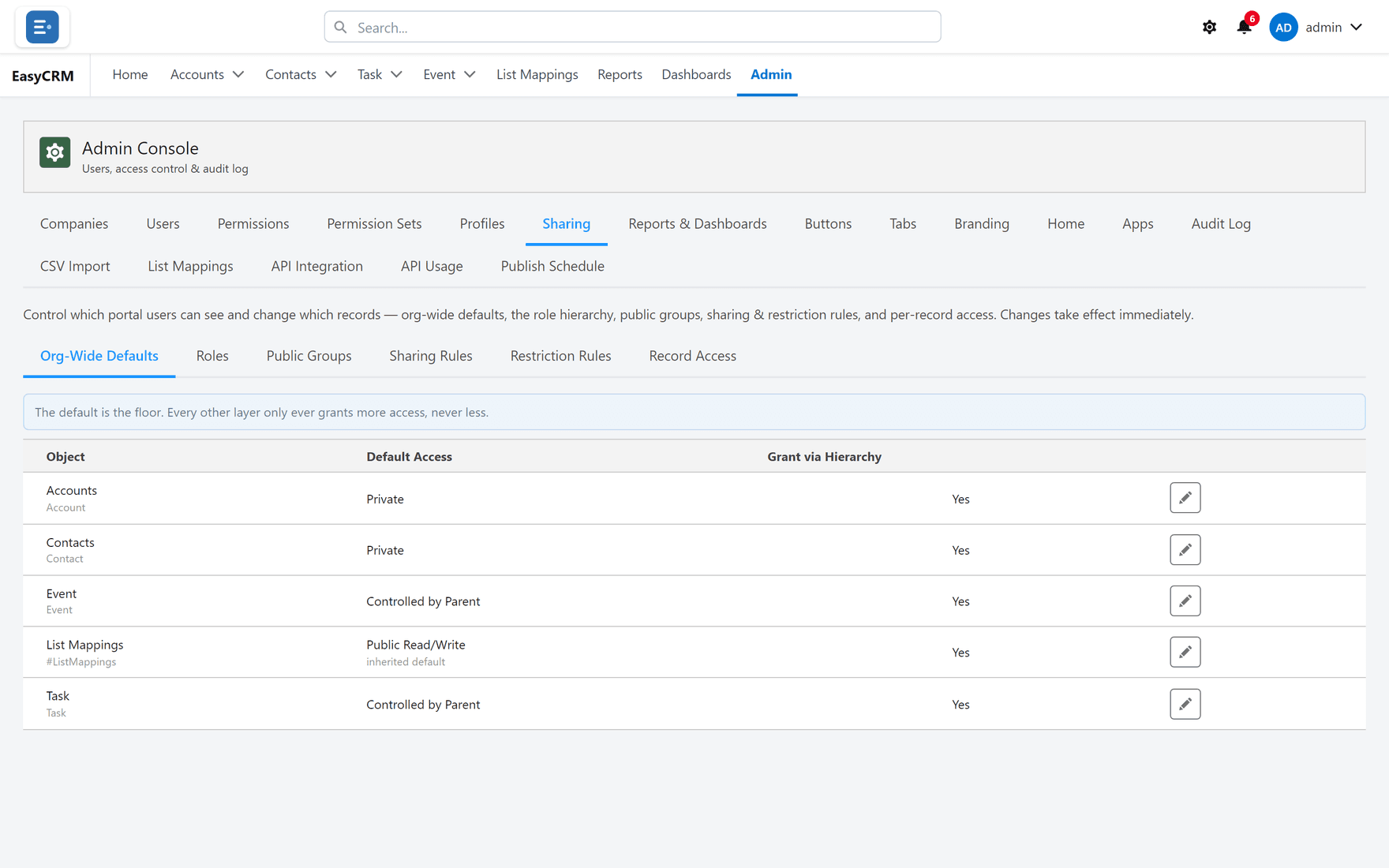
Where: Admin → Sharing → Record Access
- Click Admin in the top menu.
- Click Sharing, then Record Access.
Finding a record
Two ways:
- Find a record — type the name.
- Browse by owner — pick a person and look through what they own.
Click the record. The list of everybody with access appears.
Reading the reasons
The Reason column is the useful part, because it tells you what to change.
| Reason | Means | To change it |
|---|---|---|
| Owner | They own the record. | Change the owner. |
| Org-Wide Default | Everybody has it. | Defaults. |
| Sharing Rule | A rule grants it. | Sharing rules. |
| Hierarchy | They manage somebody who has it. | Roles. |
Using it to solve the two common complaints
"I cannot see this record."
Look for the person in the list.
- Not there? The problem is sharing. Add a sharing rule, or check the default.
- There, but they still cannot open it? The problem is permissions — they have the record but not Read on that object.
That single distinction is the whole reason this screen exists, and it saves a great deal of guessing.
"Why can they see this?"
Find them in the list and read the reason. It names the rule, so you know exactly what to change.
Before you tighten anything
Check here first. It shows who is about to lose access, which is much better than finding out from the people who lost it.