Audit Log
What it is
A record of who did what, and when. It cannot be edited, deleted or switched off by anybody, including a Super Admin.
That immutability is the whole point. A log an administrator can alter is not evidence.
When you will use it
| Situation | What the log answers |
|---|---|
| "I didn't change that" | Who did, and when |
| A setting changed and nobody knows why | Which admin, which day |
| Repeated failed sign-ins | Whether somebody is being targeted |
| Reviewing support access | Who viewed the portal as somebody else |
Opening it
Where: Admin → Audit Log
- Click Admin in the top menu.
- Click Audit Log in the row of tabs.
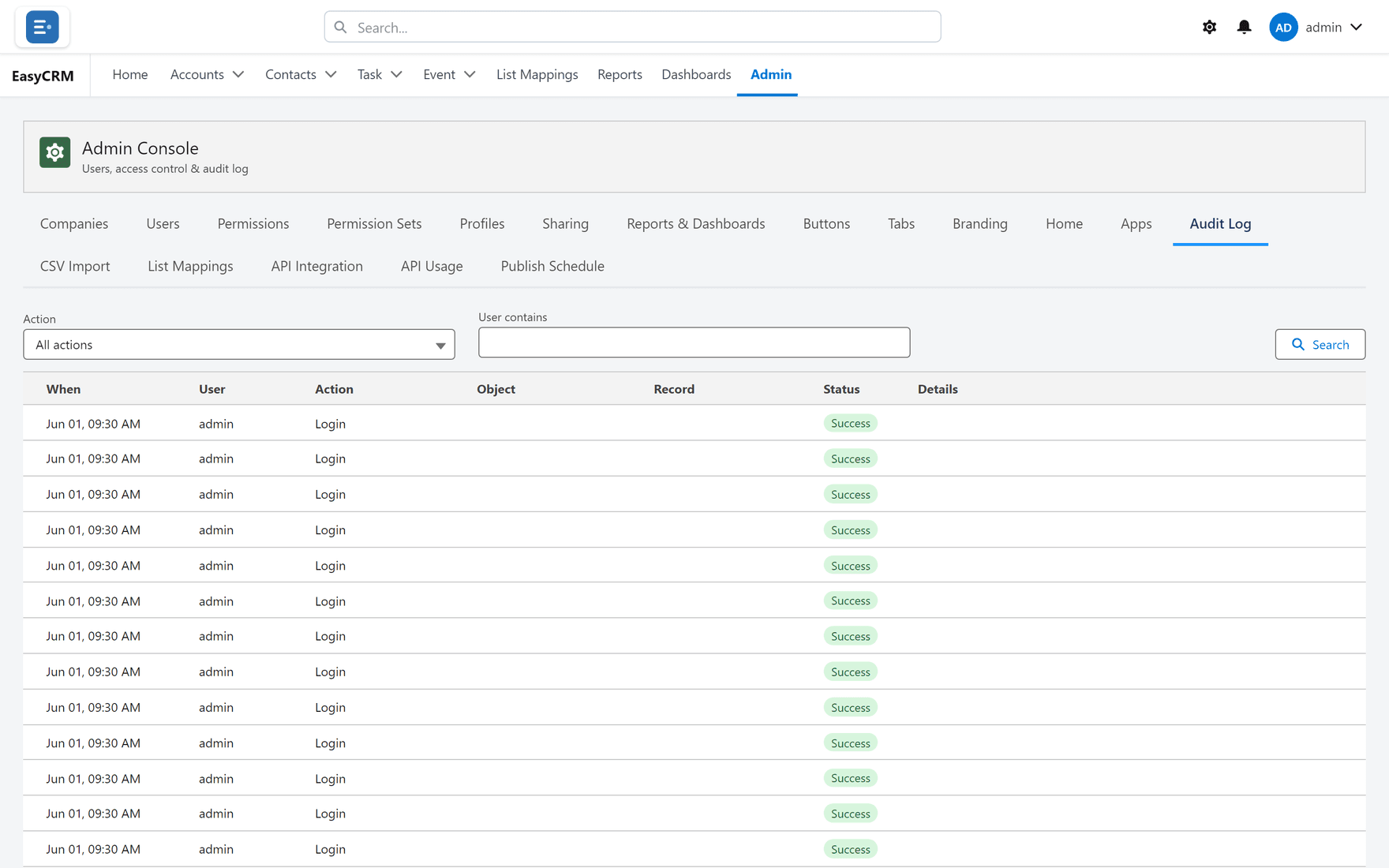
Newest first. Each row shows who, what and when.
Narrowing it
-
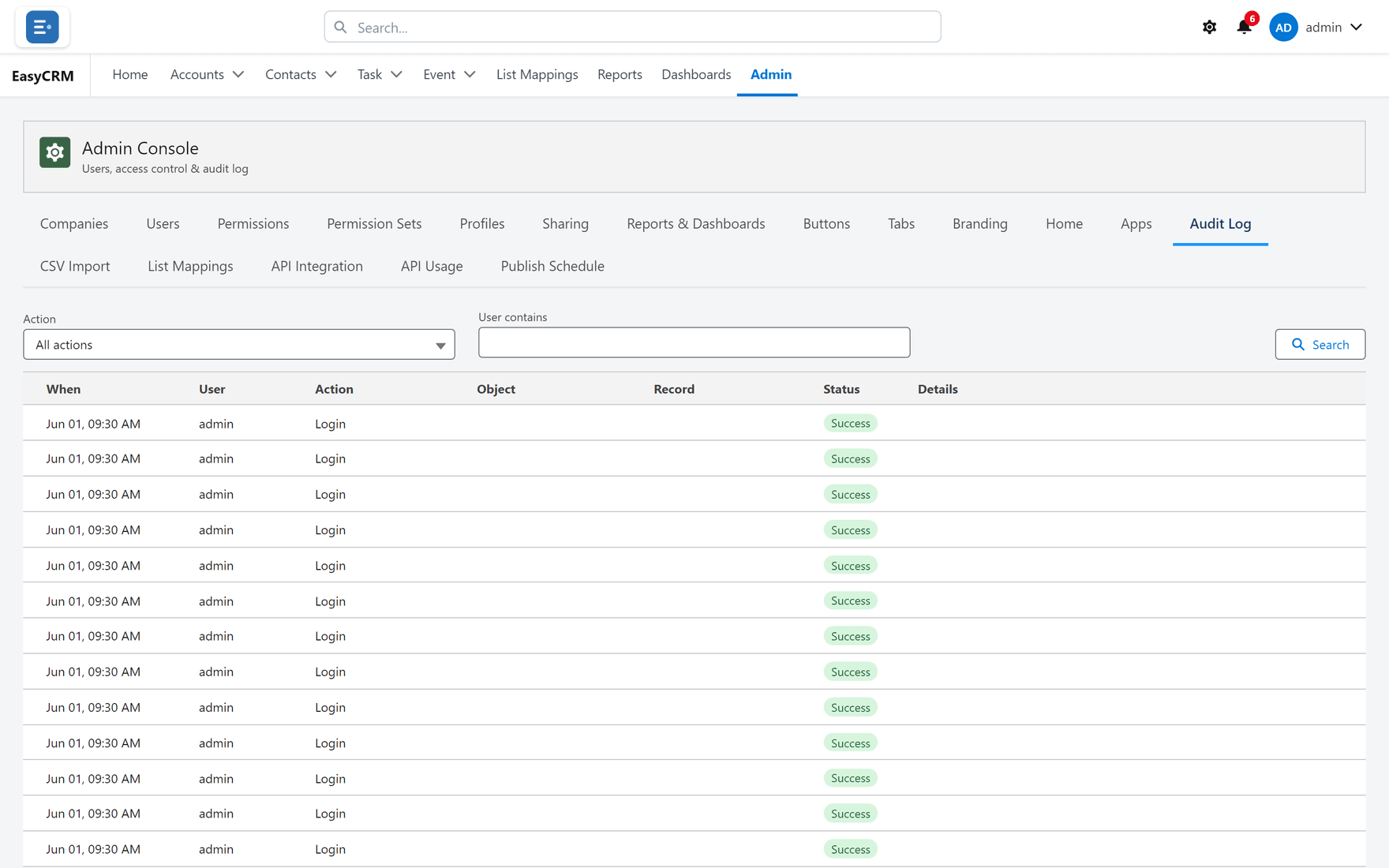
Click All actions to filter by the kind of action.
-
Or type into Search to find a person or record.
Both work together, so you can ask for one kind of action by one person.
What is recorded
| Action | Kept |
|---|---|
| Sign-in | Who and when |
| Failed sign-in | Repeated failures on one account are worth noticing |
| Password change or reset | Who changed whose |
| Administration changes | Permissions, sharing, users |
| Viewing the portal as somebody else | Both names, allowed or refused |
That last row, in detail
Support impersonation is logged more carefully than anything else:
- Every attempt is recorded, including refused ones.
- Anything done during the session records both names — the administrator and the account.
So the log always answers "who really did this?", not just "whose account was it?". See Seeing the portal as somebody else.
How to use it when something looks wrong
- Filter by the kind of action first — it cuts the volume fastest.
- Then narrow to the person or the day.
- Read the surrounding rows, not just the one you were looking for. Changes come in clusters, and the row before often explains the row you found.
What it does not tell you
It records administrative actions and access, not every field change on every record. If you need to know who changed one field on one account, that is record history in Salesforce, not this.
What goes wrong
| Symptom | Cause |
|---|---|
| An action you expected is missing | Not every action is audited — record edits are not. |
| Too many rows | Filter by action kind before searching. |
| You cannot delete an entry | Correct, and deliberate. |
Where this fits
The audit log is the record of what the rest of the Admin Console did. It is the first place to look when a setting changed and nobody owns up.