List Mappings
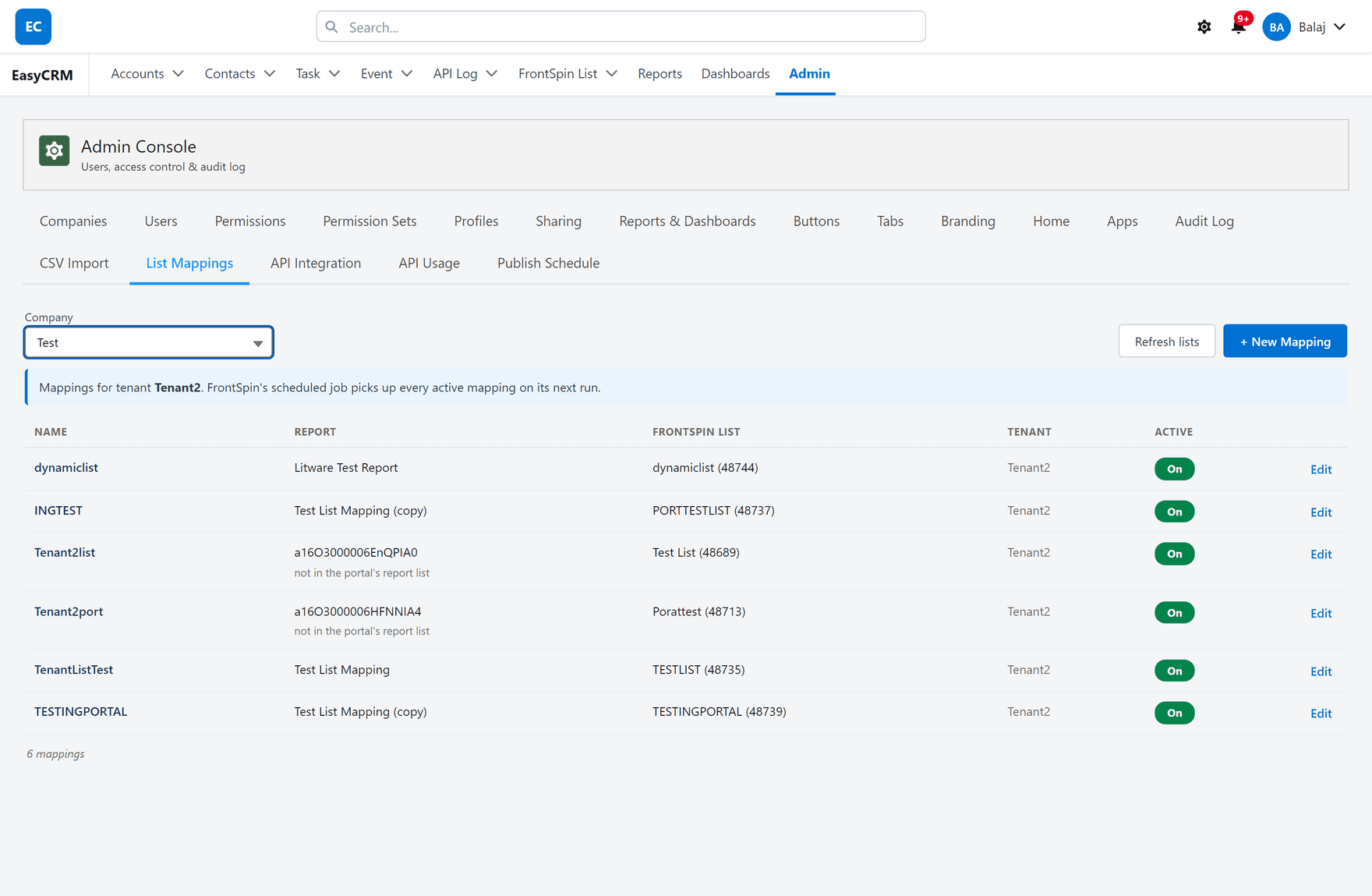
What it is. Which Salesforce report fills which FrontSpin calling list, for a company.
What it does. You say once that a report belongs to a calling list, and from then on everybody that report returns is added to that list, hourly, without anybody exporting a spreadsheet.
Why it helps. Otherwise a calling list is only ever as fresh as the last manual export.
This tab belongs to the FrontSpin integration
FrontSpin is a sales dialler. The integration between it and your org is not part of EasyCRM — it is installed separately, for customers who use FrontSpin.
In an org without it, this tab says so and does nothing else:
FrontSpin is not set up in this org, so there is nothing to manage here.
That message is expected, not a fault.
Opening it
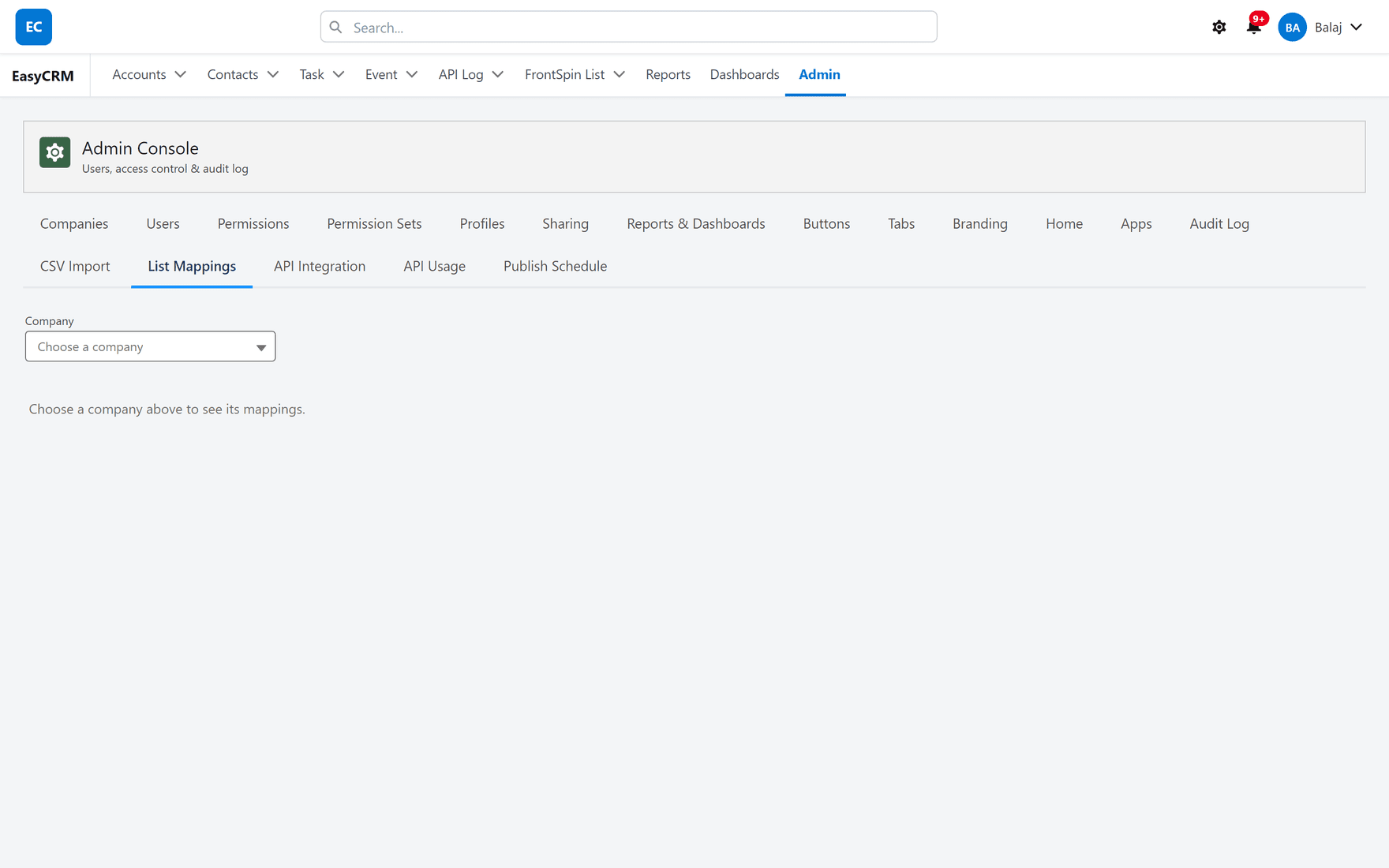
Where: Admin → List Mappings → Choose a company
- Click Admin in the top menu.
- Click List Mappings in the row of tabs.
- Choose a company first — mappings belong to one.
- Its mappings appear, under a line naming the FrontSpin tenant you are editing.
In an org without FrontSpin the same tab says so and stops there — see the boundary.
Before you add anything
Mappings can be stored in Salesforce Setup or here, and only one of those is live at a time. Adding one to the wrong side looks completely correct and has no effect.
The full detail, and the switch that decides, is in the FrontSpin section: Setup, or the portal.
The full documentation
This tab is covered properly in the FrontSpin section:
| Page | Covers |
|---|---|
| List Mappings | This tab, in detail |
| Report to List | What a mapping actually does |
| Lists | Why somebody cannot be removed from a list |
| Setup, or the portal | Which source is live |
The one thing to know before using it
Nothing can remove somebody from a FrontSpin calling list. FrontSpin's interface has no removal of any kind, so narrowing the report stops adding people but never takes anybody off.
Check what a report returns before you map it.
Where this fits
Not to be confused with CSV Import, which is loading a spreadsheet by hand. They are unrelated — one is a file you upload, this is a standing link to a dialler.