Profiles
What it is. The starting access for a kind of person.
What it does. Everybody on the same profile gets the same baseline.
How it differs from a permission set. A profile is what that kind of person always needs. A permission set is the exception you add on top for a few people.
Opening it
Where: Admin → Profiles
- Click Admin in the top menu.
- Click Profiles in the row of tabs.
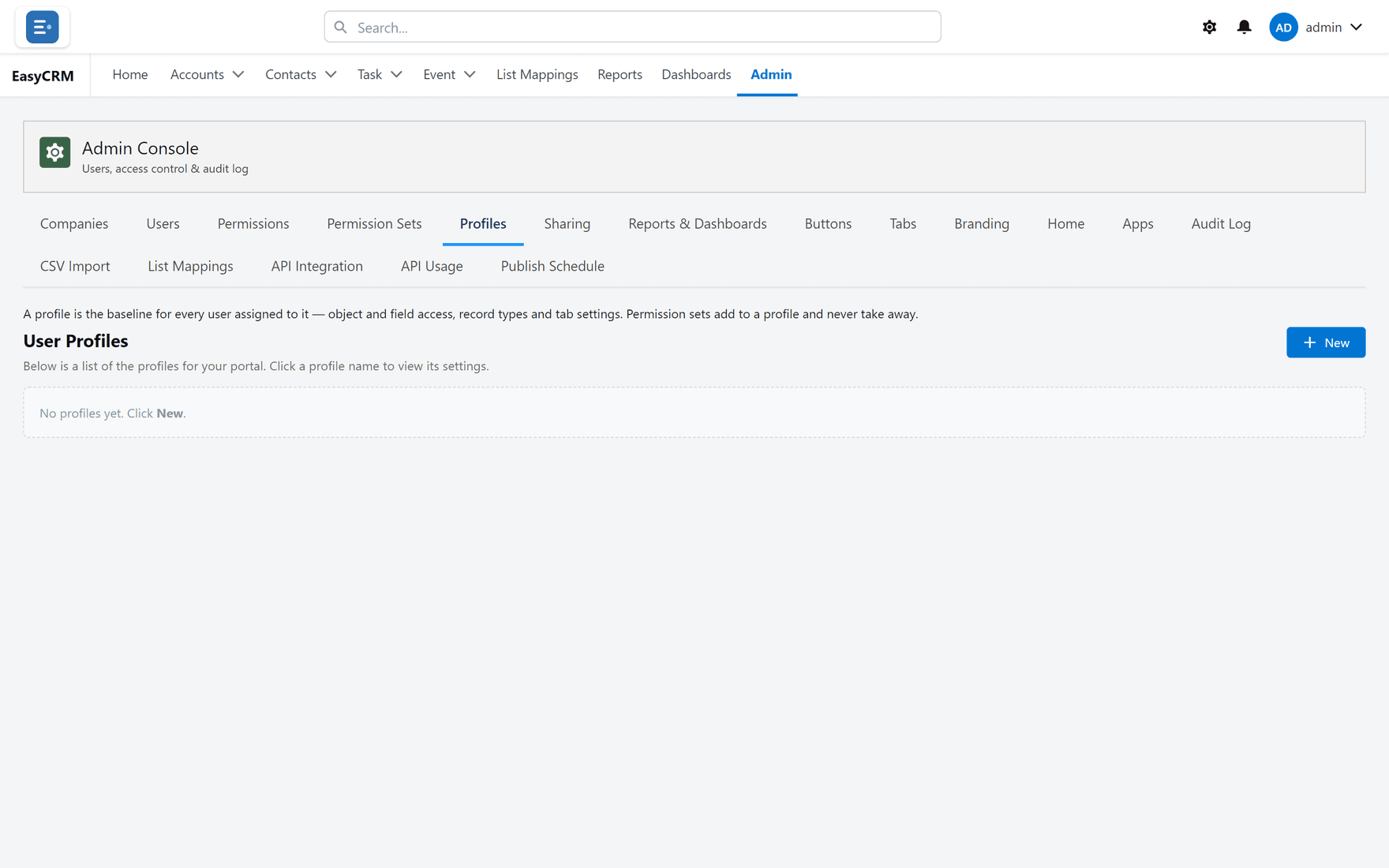
Creating one
Where: Admin → Profiles → New
-
Click Admin, then Profiles.
-
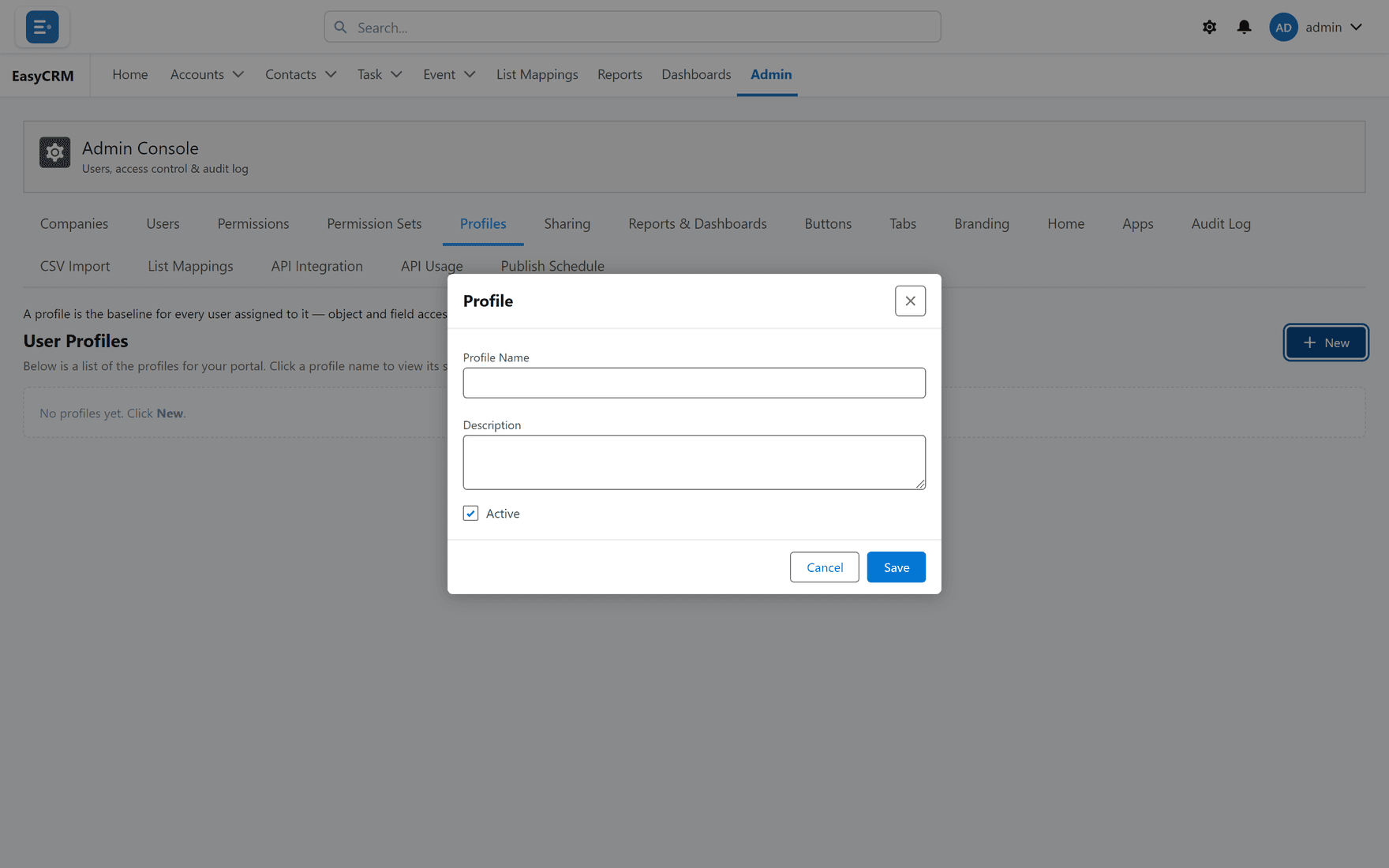
Click New.
-
Give it a name describing the kind of person, such as "Sales rep".
-
Set what it allows.
-
Click Save.
Giving it to somebody
Where: Admin → Users → the person's row → Set profile
- Click Admin, then Users.
- Find the person.
- Click Set profile in their row, and choose the profile.
Naming profiles
Name a profile after the job, not the access. "Sales rep" still makes sense in a year. "Can edit accounts" stops making sense the first time you change what it grants.
Profile, permission set, or neither?
| Situation | Use |
|---|---|
| Everybody doing this job needs it | A profile. |
| A few people need extra | A permission set. |
| One person, one object, one time | Permissions directly. |
Reach for a profile first. Setting permissions person by person works, but it does not scale and nobody can tell later why somebody has what they have.