Permission Sets
What it is. A named bundle of extra access that you hand to particular people.
What it does. It adds to whatever those people already have from their role and profile.
Why it helps. When three people need more than everybody else doing their job, you give those three a permission set instead of widening the access of the whole group.
Opening it
Where: Admin → Permission Sets
- Click Admin in the top menu.
- Click Permission Sets in the row of tabs.
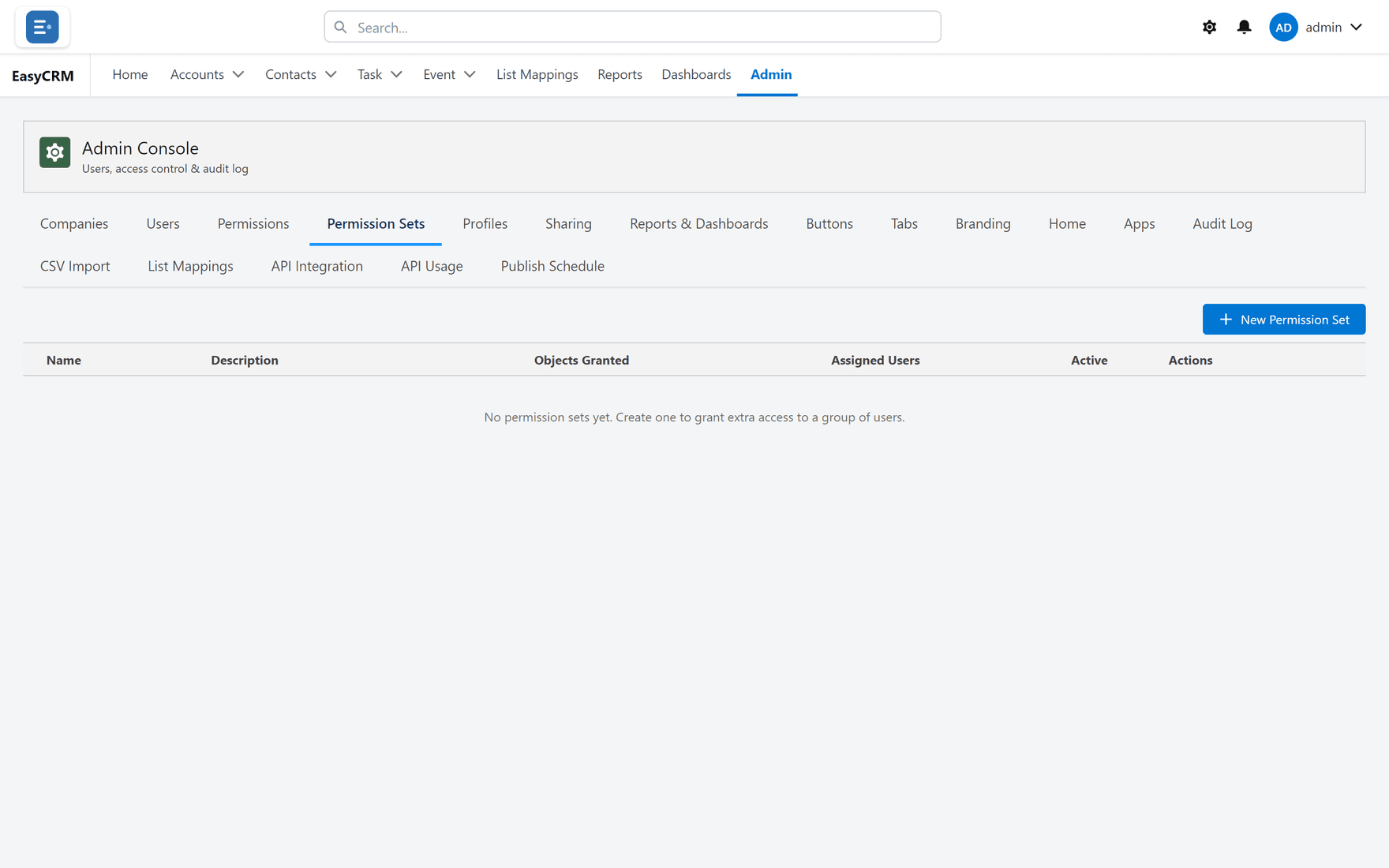
Creating one
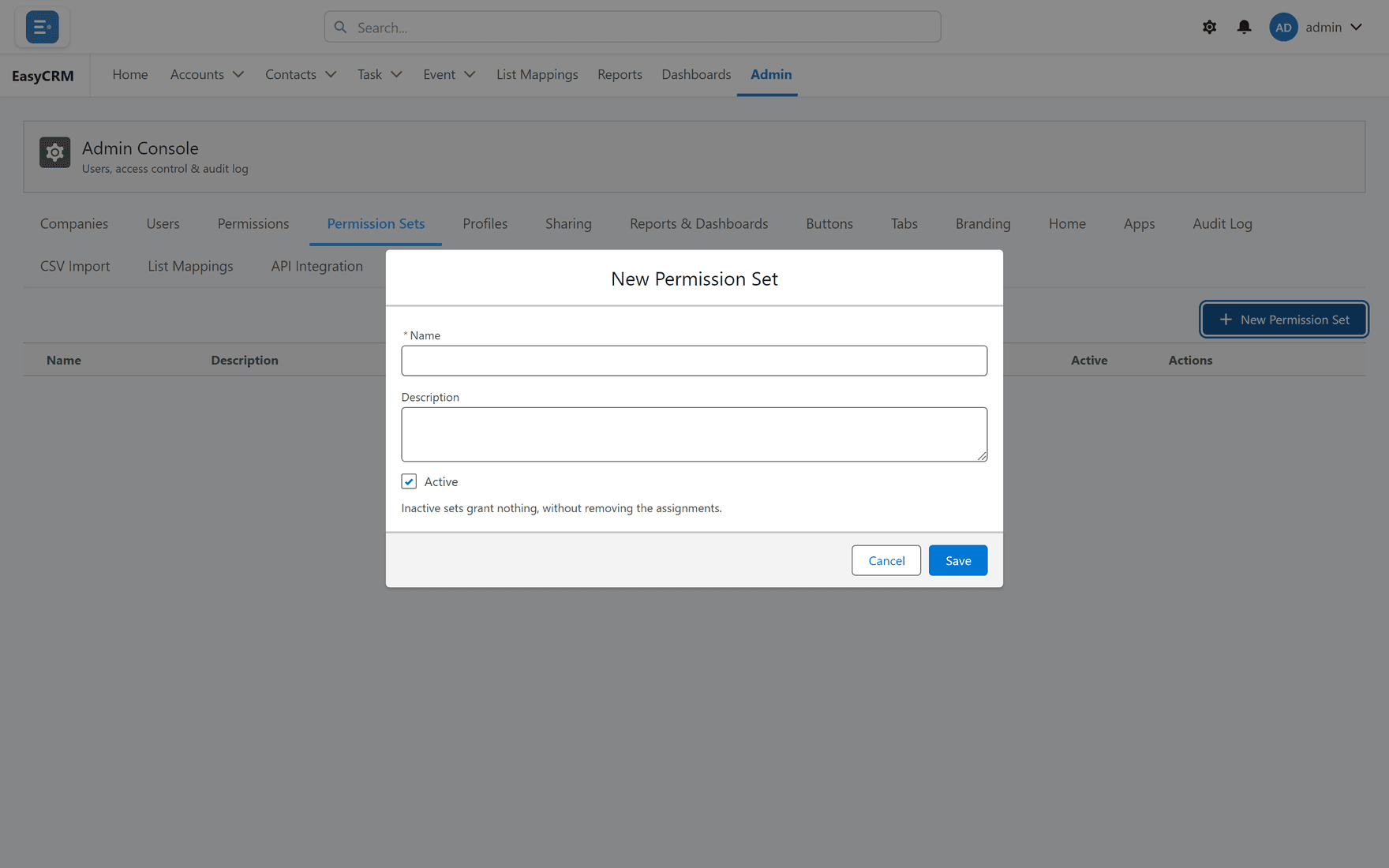
Where: Admin → Permission Sets → New Permission Set
-
Click Admin, then Permission Sets.
-
Click New Permission Set.
-
Name it after what it grants, such as "Can delete contacts".
-
Tick what it allows.
-
Click Save.
Giving it to somebody
Where: Admin → Users → the person's row → Manage permission sets
- Click Admin, then Users.
- Find the person in the list.
- Click Manage permission sets in their row.
- Tick the sets they should have.
- Click Save.
One person can have several. They all add together.
It can only ever add
A permission set never takes access away. If somebody already has something, no permission set will remove it.
To take access away you either change their profile, change their permissions directly, or use a restriction rule for which records they see.
Taking one back
Open Manage permission sets for that person and untick it. They lose whatever only that set was granting, and keep everything their profile gives them.
Naming them
Name a permission set after what it grants, because that is what you are looking for when assigning it. "Can delete contacts" is useful. "Extra access 2" is not.